

Assembler
Turn one product into a complete basket by bringing variants, matching products and installation essentials together into one simple, beautiful, visual experience.
Everything a customer needs to purchase, all in one place.
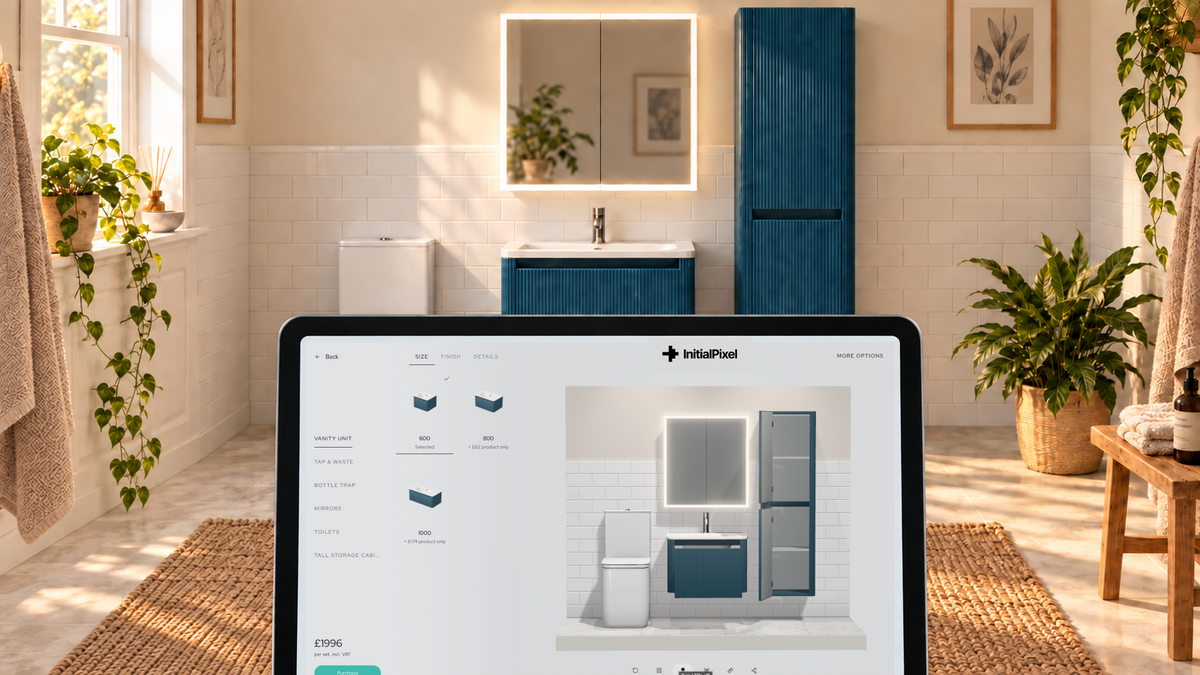
Help customers build a complete bathroom combination without jumping between product pages, reading product descriptions and creating confusion. With Assembler, customers can choose their ideal product whilst adding the necessary parts, fixings and additional items that bring everything together, ready for checkout and installation.
Make the essential extras easy to find, place & buy.
Guide customers through the parts they need and the options that fit. Give them a cohesive experience that answer every question without any confusion and automatiically add everything to your existing basket for quick purchasing.
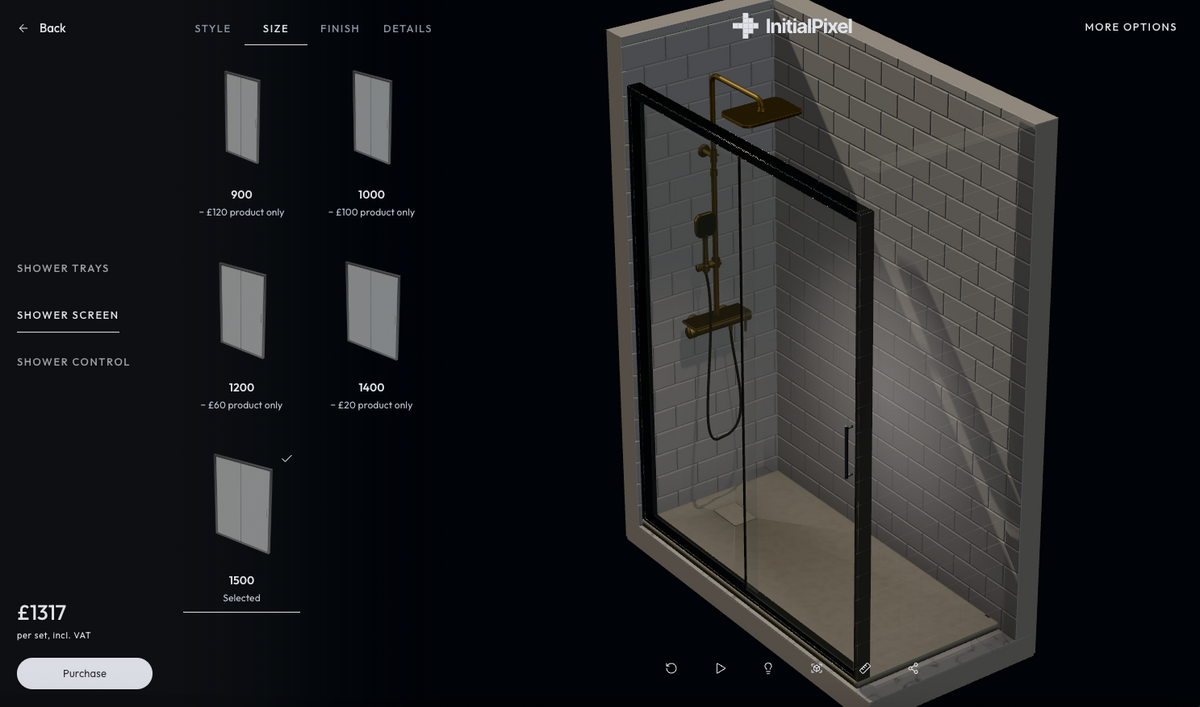
Understand what's required
Bring installation essentials into the buying journey, so customers can see what goes with their product.
Choose what fits
Guide customers towards compatible options based on what they've already selected.
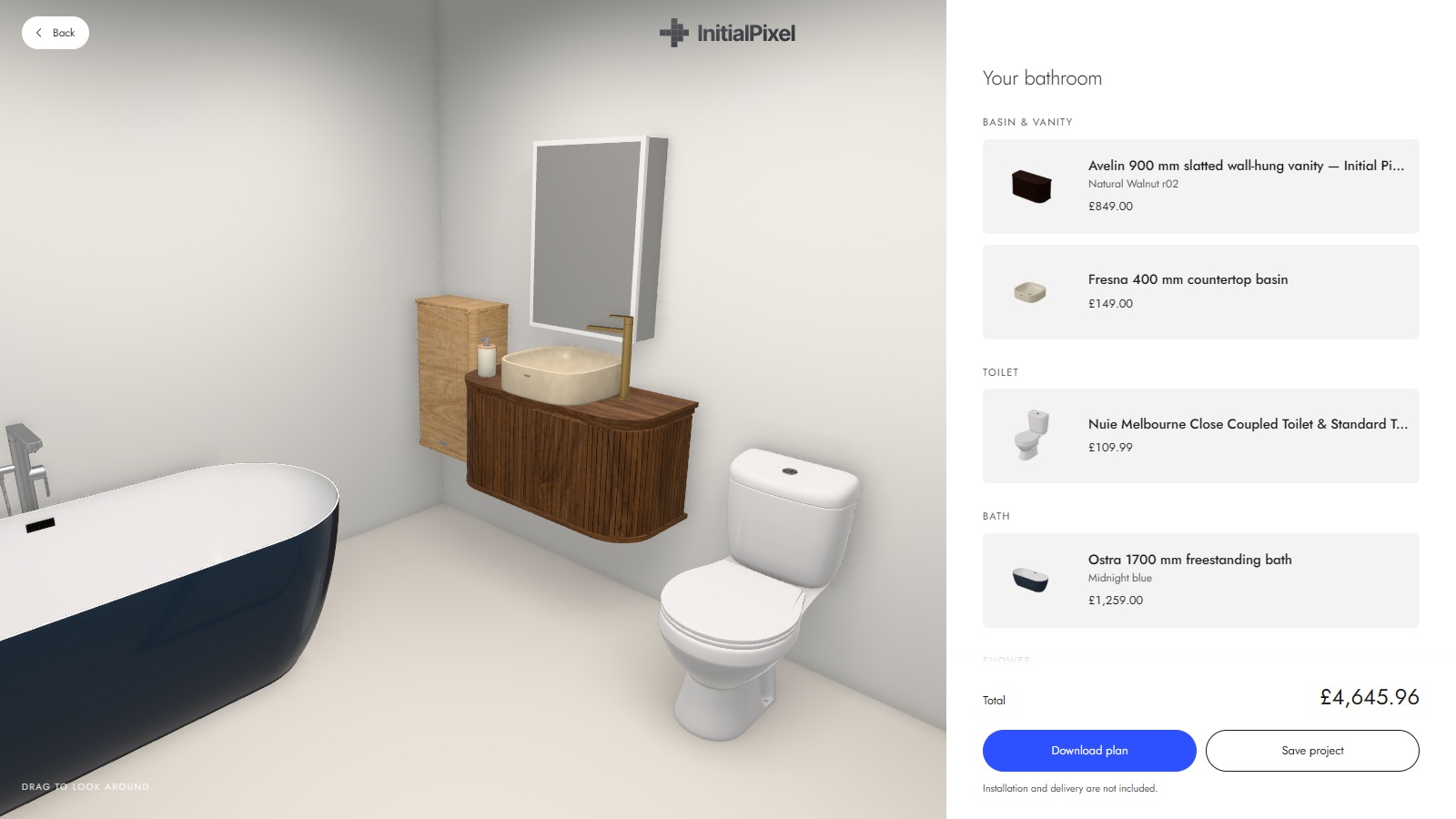
Build a complete basket
Keep the main product and its essentials together, right through to checkout.
Eliminate the imagination gap
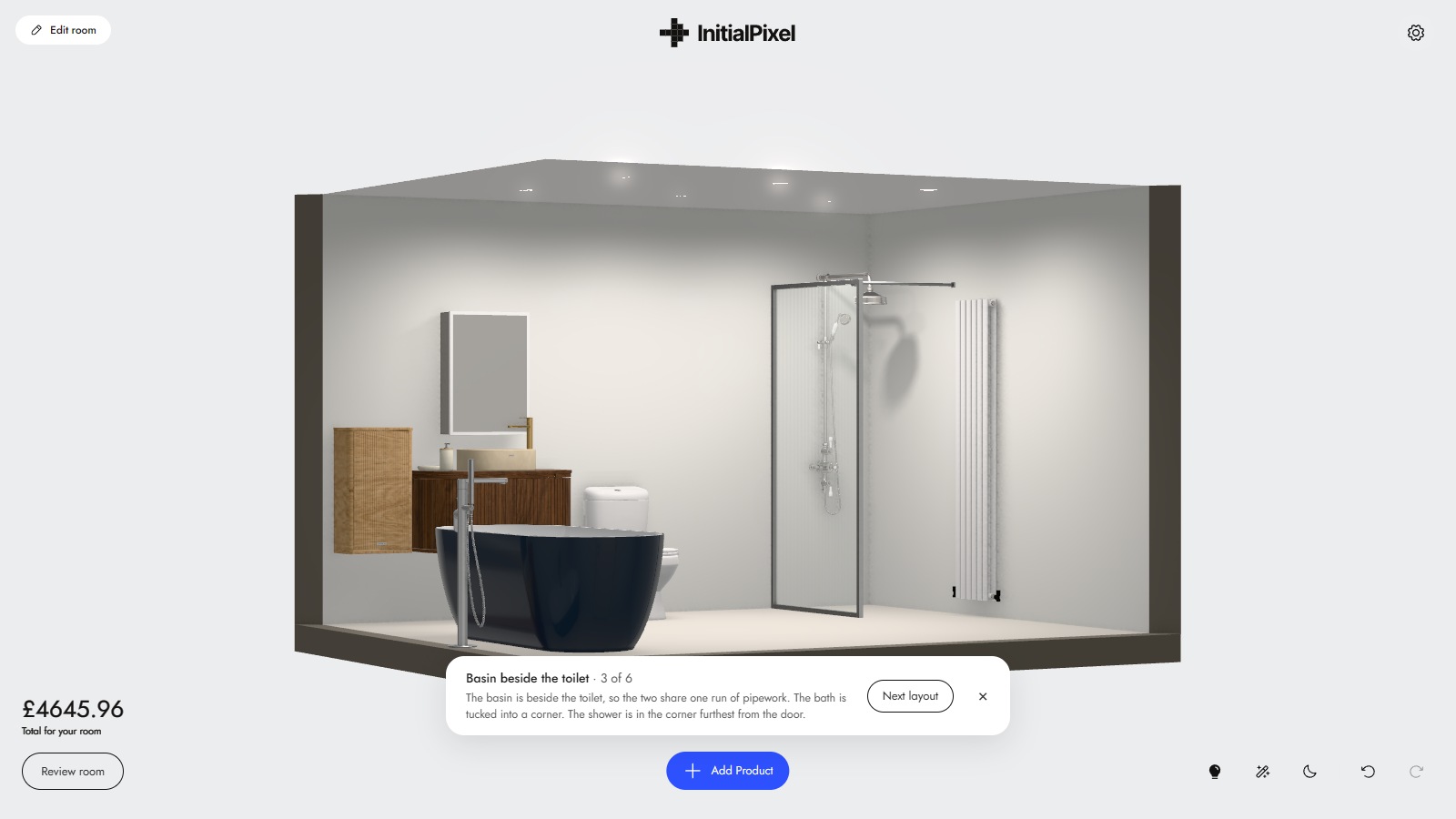
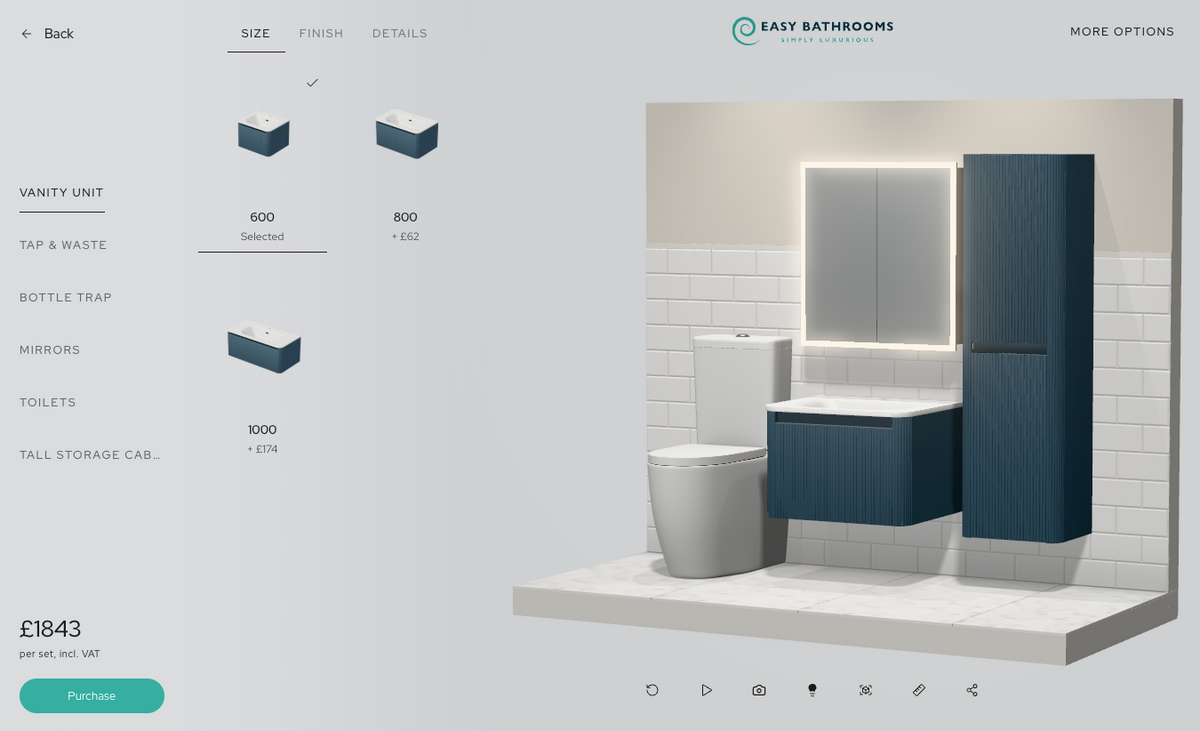
Show customers how their choices work together. Assembler brings the combination to life as they choose sizes, finishes and matching products.
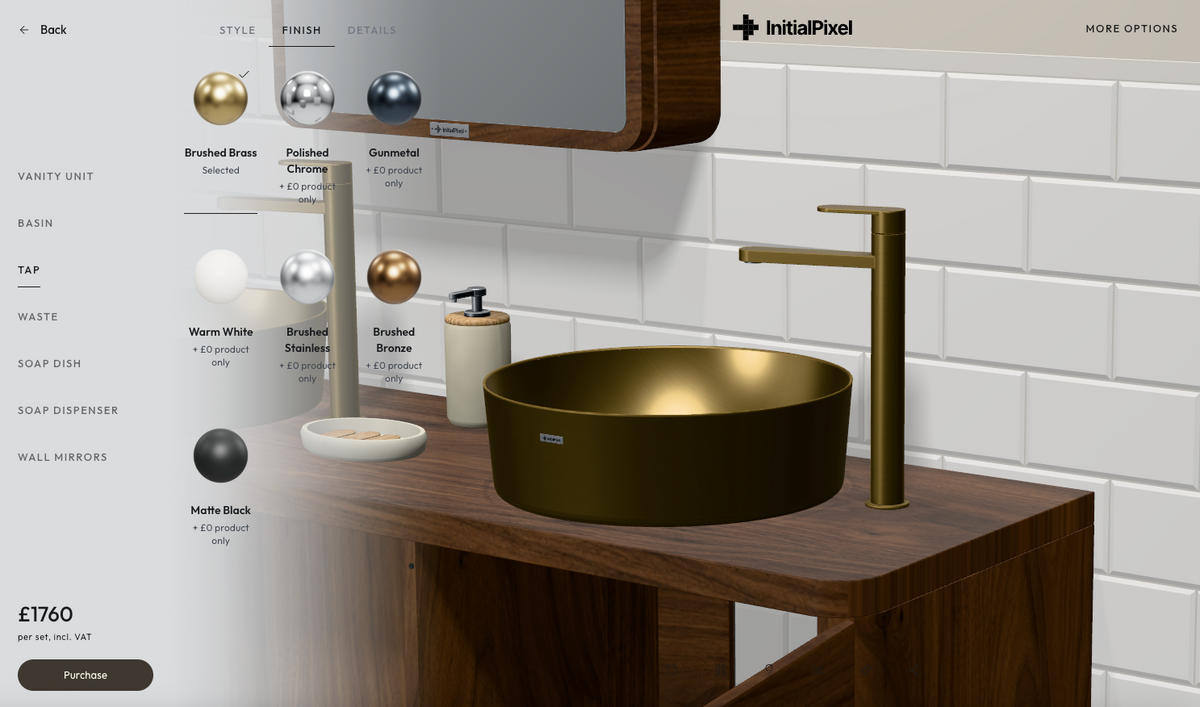
Models built to scale
Show the proportions of each product, so customers can understand the complete combination.
Automatic finish matching
Bring matching finishes together as customers explore products across a range.
See the complete look
See each choice in context, with a clear view of how the products look together.
Make room for matching products.
Bring mirrors, storage and other matching products into the same experience. Help customers complete the look while they're already choosing.

Experience Assembler
View all
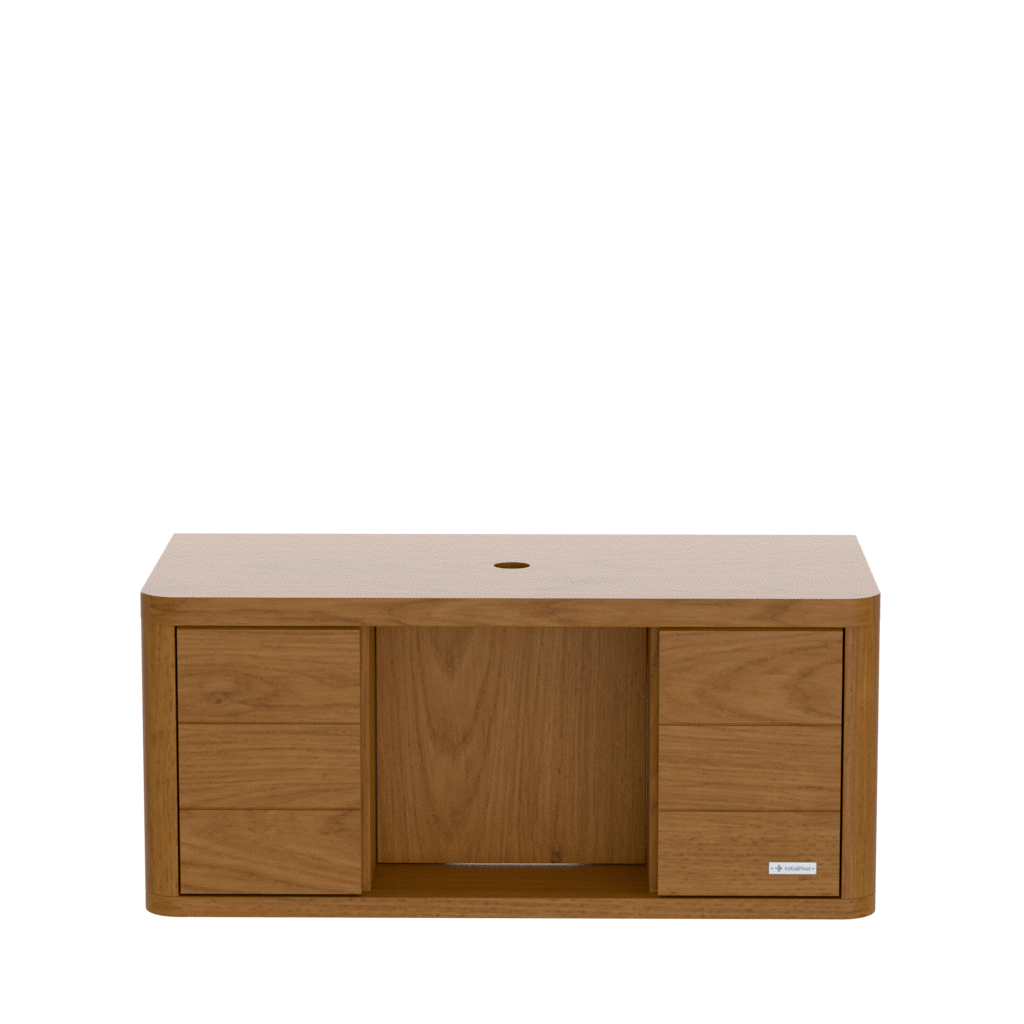

Elevate to your store with ease
Connect Assembler to your existing catalogue and basket with one simple JavaScript snippet.
Launch from any product within a range
Let customers start with the product they've found, then explore the rest of the range.
Maintain consistency with your online data
Keep product details and prices connected to the catalogue your store already uses.
Automatically connect to your basket
Send the selected combination to your existing basket, ready for checkout.
Powered by Asset Manager
Manage variants, data, relationships and rules in one simple place
Learn more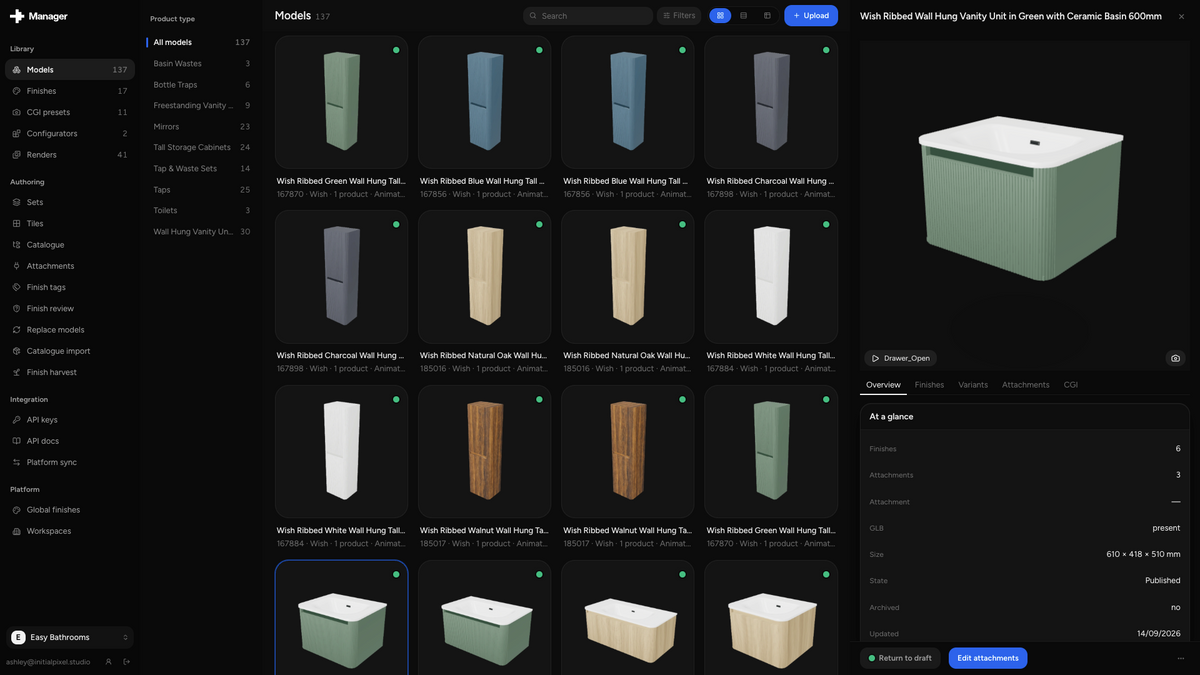
We're making visual commerce better for everyone.
We've spent a combined 10 years helping leading retailers solve complex buying problems. Initial Pixel is what happens when you take everything we've learned and start again.
We're transparent
Our software isn't hidden behind a demo request. We're proud of what we've built and want you to experience everything live in our store.
Built from experience
A decade in visual commerce has shaped how we approach every product and every interaction. We know what works, and what doesn't.
Shopper-first
A better buying experience starts with your customers. We build around what helps them choose.
Built for bathroom retailers & manufacturers.
Ecommerce
Help customers see their options and choose with confidence.
In-store
Show customers their options and help them decide while they're in your showroom.
Tradespeople
Give clients and installers one clear, visual plan.
Manufacturers
Give your retail partners a consistent way to present your products.
Launch Assembler for free
One range. 20 additional products. One month free on your store.
Frequently asked questions
What does Assembler do?
It brings product choices, matching items and installation essentials into one visual buying experience.
How does it connect to my website?
Assembler connects to your existing catalogue and basket through a JavaScript snippet.
Can customers start from a product page?
Yes. Customers can launch from a product within a range and build their combination from there.
Can it show matching finishes?
Yes. Assembler brings matching finishes into the experience so customers can see their choices together.
Can we include installation essentials?
Yes. Required parts can sit alongside the main product, helping customers build a complete basket.
Does it use our existing checkout?
Yes. Selected products go into your store's basket, ready for your existing checkout.
How do we manage products and configurations?
Use Asset Manager to organise your models, materials, product data and configurations.
What's included in the free trial?
One range and 20 additional products, live on your store for one month.